
£50 in the App Is Not £50 Profit: Try the GrabFinds Profit Calculators
£50 earned is not £50 kept. See a worked UK driving example, try GrabFinds Quick Profit and learn when to use the full calculator for a clearer cost breakdown.
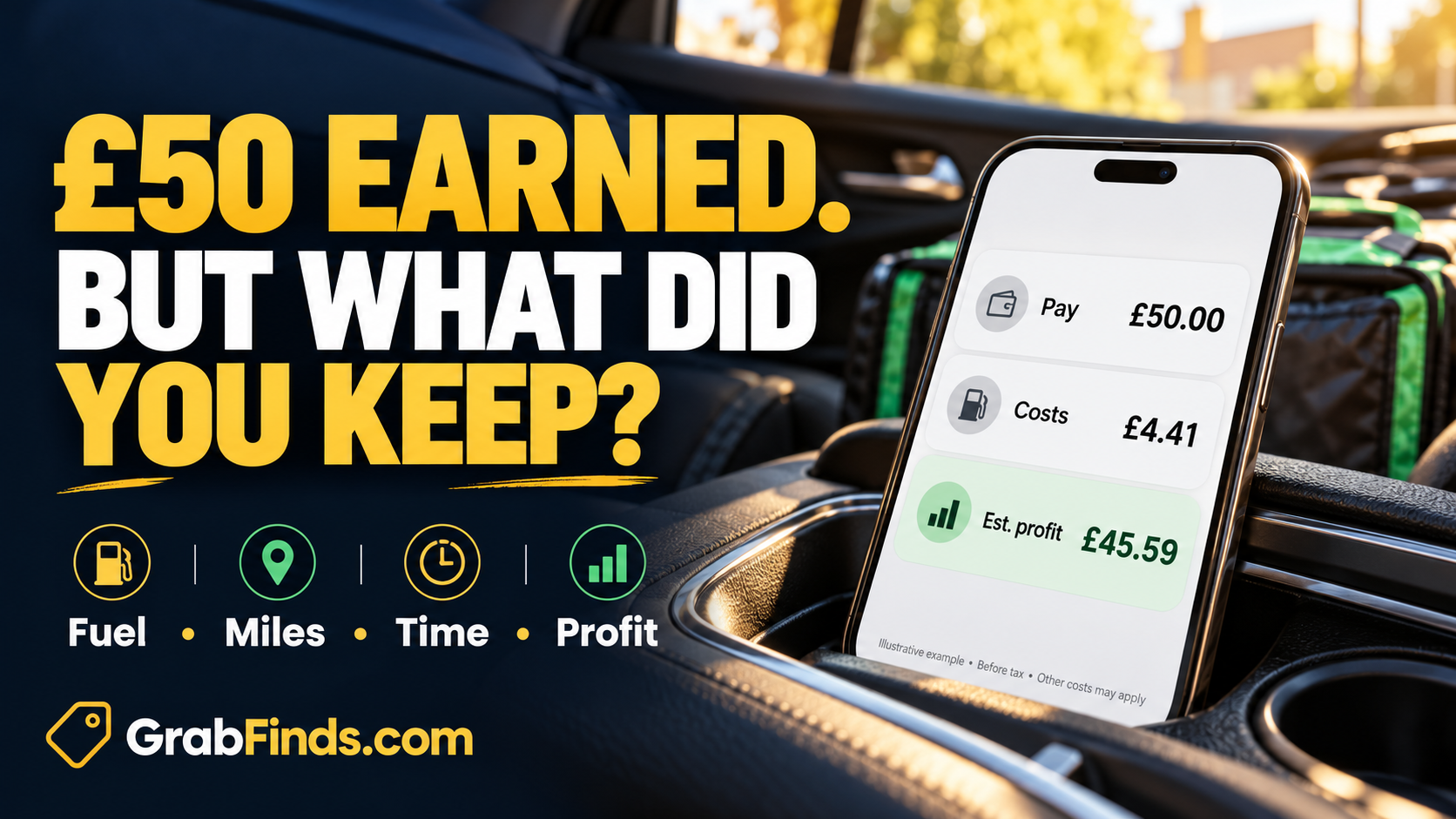
You have earned £50 on a delivery shift. But how much have you actually kept after fuel, vehicle wear and the time spent working? The number in the app is your starting point. Your estimated profit is what remains after the costs you include.
The GrabFinds Quick Profit calculator helps you make a fast estimate using pay, miles, time and vehicle costs. You can try it without creating an account. If you need a fuller breakdown, the Delivery Profit Calculator has more detailed cost inputs. Start with the numbers, then decide what to do differently.
Pay, profit and hourly profit: three different numbers
Pay or revenue is the money received before the costs of doing the work. Estimated profit is revenue minus the costs entered into the calculation. Hourly profit divides that estimate by your total working time.
A £10 delivery is not automatically a better opportunity than a £7 delivery. Distance, restaurant waiting, parking and the likely return journey can change the comparison. A calculator cannot predict every delay or guarantee another order. It can help you see whether the figures make sense under your assumptions.
The same habit matters for airport transfers and other driving work: include the miles and time needed to complete the whole job, including any empty journey that belongs to it. Never use a calculator or handle your phone while driving. Stop somewhere safe first.
A worked example: what is left from £50?
This is an illustration, not a claim about what any delivery platform pays. The example was checked in GrabFinds Quick Profit using manual petrol settings:
| Input | Example value |
|---|---|
| Pay, with no additional tips or bonuses | £50.00 |
| Total distance | 20 miles |
| Total working time | 2 hours |
| Fuel efficiency | 40 UK MPG |
| Petrol price | £1.50 per litre |
| Maintenance allowance | £0.05 per mile |
| Insurance and extra costs | Excluded in this example |
The displayed result is £45.59 estimated pre-tax profit, with £4.41 estimated costs and £22.80 per hour.
That does not mean £45.59 is your final take-home pay. Insurance, fixed costs, Income Tax and National Insurance are not included in this example. The fuel price and maintenance allowance are sample inputs, not a statement of current UK prices or a suitable allowance for every vehicle.
Now imagine the same work took three hours because of waiting. With revenue, mileage and those costs unchanged, the hourly estimate falls to about £15.20. Time changes the result even when the money in the app stays the same.
How to use Quick Profit
- Open Quick Profit. Use manual vehicle settings and check the fuel type, efficiency, fuel price and maintenance cost. Use your own figures where possible.
- Enter the job or shift pay. Add tips and bonuses separately when relevant. Avoid counting the same payment twice.
- Enter all relevant miles. For a completed shift, use the distance you actually drove. For a planned job, include a realistic estimate of the complete journey.
- Enter hours and minutes. Include working time such as waiting and travel that belongs to the job, rather than counting only time with an order in the car.
- Add extra costs. Use the extra-cost section for relevant parking, tolls or other expenses.
- Calculate and expand Cost breakdown. Read the exclusions as carefully as the headline result.
For a possible order, your inputs are forecasts. After the shift, compare them with what happened. That is how you find assumptions that need adjusting.
When should you use the full calculator?
Use the full Delivery Profit Calculator when you want to work through a single order or a full shift in more detail. It includes inputs for app earnings, tips, bonuses, working time, distance, vehicle costs, insurance and extra costs.
It also lists different work types, including Uber Eats, Deliveroo, Just Eat, multi-app work, airport transfers and taxi work. Choosing a platform does not tell you what that company will pay. You still enter the earnings and costs yourself.
Quick Profit is the short check. The full calculator is the place to build a more complete cost picture. Follow the access information shown on the site: saved vehicle profiles are labelled Premium. Trying Quick Profit does not require buying Premium.
Five mistakes that make a shift look better than it was
- Forgetting empty miles. Driving to the first pickup or returning from a distant drop-off still uses fuel.
- Ignoring waiting. A short delivery can take much longer when collection is delayed.
- Counting fuel as the only vehicle cost. Tyres, servicing, repairs and depreciation also matter over time. An allowance is still an estimate.
- Using optimistic efficiency figures. Stop-start driving may differ from a manufacturer's advertised MPG.
- Comparing unlike totals. Compare results over the same period and with the same cost categories included.
Do not use a pre-tax calculator result as proof that a shift meets a legal pay entitlement, or as a completed tax calculation. It is a planning tool based on your inputs.
Make your next shift a useful test
Before starting, choose the period you will measure. Note the starting mileage and time. Afterwards, record earnings, tips, bonuses, finishing mileage, total time and extra costs. Keep private customer details out of any screenshot you share.
Calculate the result, then choose one practical improvement to test next time. That might mean checking return distance more carefully, recording waiting time or comparing two working periods. Do not change five things at once and then guess which one helped.
For more context, browse the GrabFinds blog for the delivery-offer and platform-comparison guides. If you are exploring a different type of work, visit Side Hustles and Tutorials.
Try the calculator, then bring your question to GrabFinds
Check your estimated profit now →
Want somewhere to compare your approach and ask a specific question? Create a free GrabFinds account, open your Hub and join the Community. Share the work type, miles, time and cost assumptions you want help understanding. Never share customer addresses, account credentials or other private information.
Free membership gives you a reason to return: use the workspace, explore member resources and take part in discussions. It does not guarantee earnings, customers or replies. Start with one honest calculation and one useful question.
Frequently asked questions
Is Quick Profit free to try?
Yes. You can use the Quick Profit calculator without registration. Saved vehicle profiles are a separate Premium feature; check the access labels for other features.
Does it connect to my delivery apps?
This guide uses manual inputs. Enter your own figures; do not assume the calculator has imported earnings, orders or mileage from an app.
Are tax and insurance automatically included?
Quick Profit shows pre-tax estimates. In the worked example, insurance is excluded. Read the result's exclusions and use the full calculator to enter relevant insurance costs.
Can I check a job before accepting it?
You can estimate it with the information available, while safely parked. Waiting, traffic, actual distance and later orders may differ, so revisit the calculation using the real figures afterwards.
Will using a calculator make me earn more?
There is no guarantee. It helps you understand entered costs and time so you can make better-informed comparisons. Demand, available work and your decisions still affect the outcome.
Comments
Log in or join GrabFinds to leave a comment.