
My Delivery Driver App Kit: Uber Eats, Just Eat, Deliveroo + GrabFinds
Three delivery apps. One place to check what you keep. See how I use GrabFinds to estimate order profit, account for waiting and return trips, and plan daily, weekly and monthly goals.
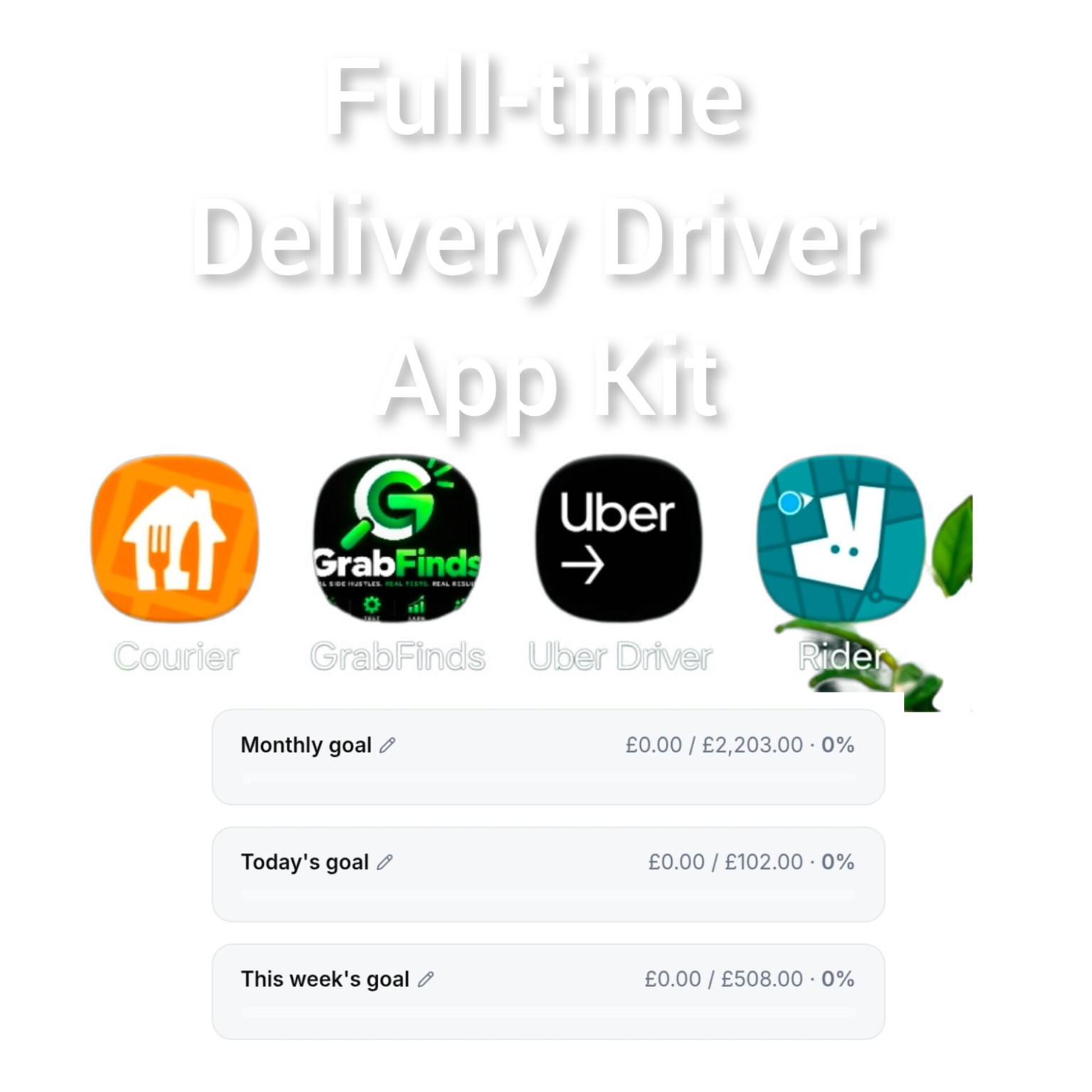
A busy phone does not automatically mean a profitable shift. You can keep accepting deliveries, watch the earnings total climb and still finish with much less than you expected once the costs and unpaid time are counted.
My delivery driver app kit brings together Uber Driver for Uber Eats, Just Eat Courier, Deliveroo Rider and GrabFinds. The delivery platforms are where the work comes from. GrabFinds is where I check the numbers and keep my targets in view.
If you deliver food in the UK, here is a practical routine to try on your next shift.
What each app does in my setup
- Uber Driver, Just Eat Courier and Deliveroo Rider: the delivery apps in my setup. Availability and access depend on your own accounts and area.
- GrabFinds: my companion tool for estimating delivery profit and tracking goals. It does not supply delivery jobs.
This is my own setup, not an official partnership with or endorsement by any delivery platform. Having several apps available is not a reason to accept overlapping jobs you cannot complete properly.
First, check what an order could leave you
A £7 offer is £7 of gross delivery pay. It is not automatically £7 of profit. Fuel, vehicle wear and delivery insurance can reduce what you keep, while restaurant delays and the journey back can reduce your hourly return.
Open the GrabFinds Quick Profit Calculator when safely parked. Enter the delivery pay, total miles and expected minutes, then check the vehicle cost settings. You can also upload a delivery screenshot to help fill in the details. Always check the extracted figures before calculating.
The result is an estimate based on your inputs. Incorrect mileage, unrealistic timings or missing costs will give you a misleading answer.
Count what happens after the drop-off
The job does not always end somewhere useful. A delivery that finishes near restaurants is different from one that leaves you miles away from the next likely pickup.
- No extra: assess the delivery without adding a wait or return journey.
- Wait for next order: add a realistic waiting time. Fifteen minutes without another order still uses part of your working day.
- Return to restaurant: compare the calculator's return scenario when you expect to travel back. Check that the assumed miles and time make sense for the real route.
These are planning scenarios, not predictions. The next order, actual traffic and restaurant waiting times can change the outcome.
Why the whole shift matters
Imagine a shift with £80 in delivery pay, £15 in fuel and £10 in other vehicle and insurance costs. That leaves £55 after those example costs. If the entire shift took five hours, including waiting and repositioning, the return is £11 an hour before tax and any costs not included.
Those are illustrative figures, not my results or an earnings promise. The point is simple: measure all the time and costs that went into earning the money. Do not add order-level hourly rates together or count the same expense twice.
My daily, weekly and monthly targets
The image accompanying this post shows a daily goal of £102, a weekly goal of £508 and a monthly goal of £2,203. The progress bars start at £0. These are personal planning targets, not money already earned, guaranteed income or a legal minimum-wage calculation.
Choose targets that fit your available hours and your own numbers. Decide whether you are tracking gross earnings or estimated profit and stay consistent. A target based on gross pay will not tell you how much is left after expenses.
In My Hub, keep your goals visible and review your recorded earnings. Use actual shift results to improve your plan rather than forcing more hours simply to fill a progress bar.
A simple routine for your next shift
- Before starting, choose your working hours and a realistic target.
- When safely parked, check the pay, miles and time for an order.
- Allow for waiting or a return journey where relevant.
- Compare estimated profit with the total time involved.
- After the shift, record the actual earnings, costs, miles and time. Compare the result with your estimate.
Never use your phone or the calculator while driving. An estimate is useful only when it supports a sensible decision.
Try the numbers on your own deliveries
Would you rather finish with a big earnings screenshot or know what you actually kept?
Try the GrabFinds Quick Profit Calculator. Create a free account to view your estimated profit. Free members get 30 Quick Profit calculations; Premium members get unlimited Quick Profit calculations. Saving and editing a vehicle profile is a Premium feature.
No earnings are guaranteed. Your results depend on demand, your area, working hours, costs and the orders you complete. Calculated profit is an estimate before personal tax and any costs you have not included.
Comments
Log in or join GrabFinds to leave a comment.