
Putting a Website Link on Your Leaflets? Build This Page First
Make the page behind your leaflet answer the customer’s next question, with a clear offer and a tested enquiry route before you print.
Ad — affiliate links: GrabFinds may earn commission if you buy through the Create links in this article. This is a practical guide based on research, not a hands-on product test or a claim of verified earnings.
Match the page to the promise on the leaflet
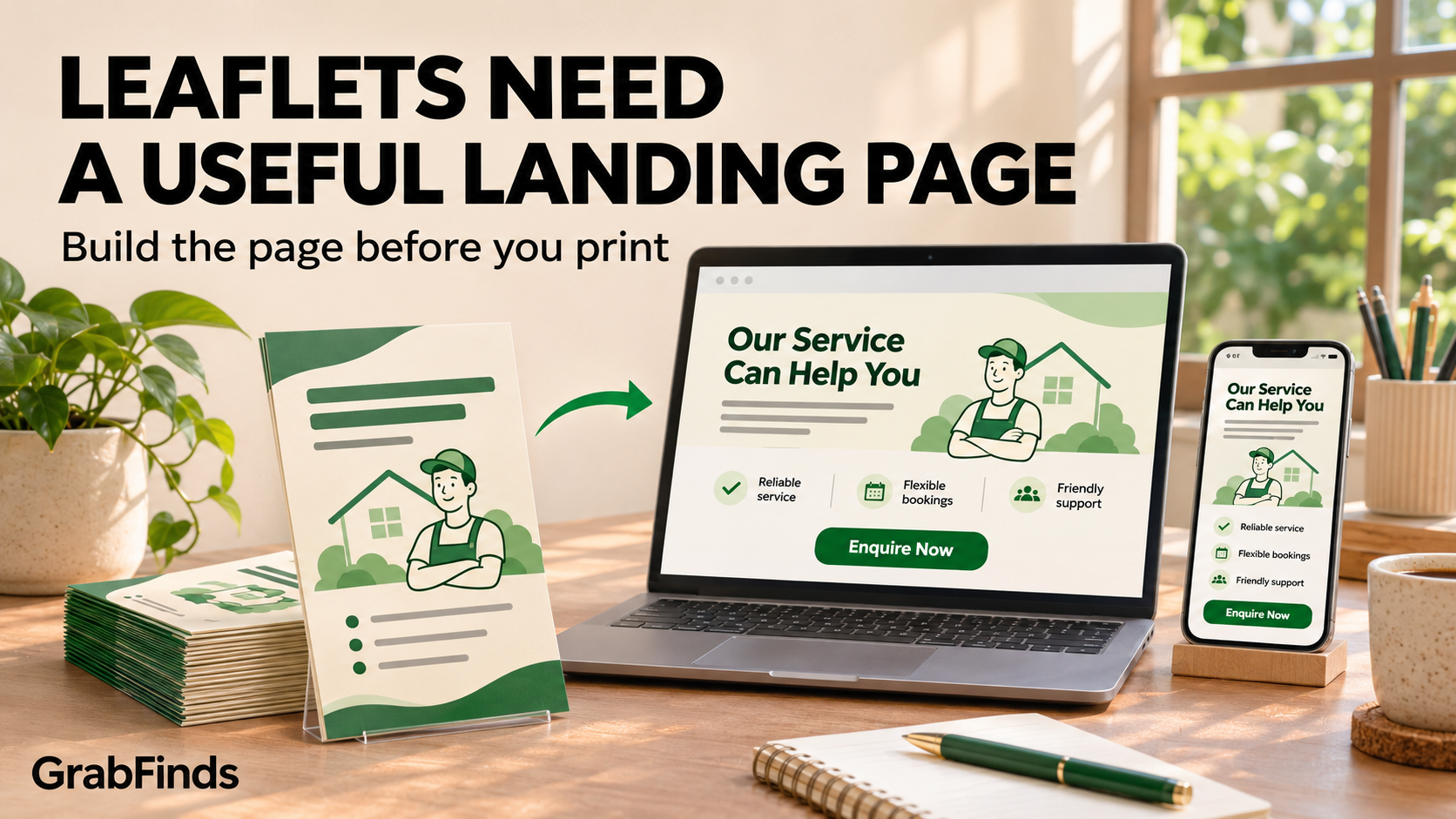
A leaflet creates a specific expectation. If it offers help with a local service, the page behind its link should immediately explain that service and area. Sending everyone to a broad homepage can make the reader search again. Draft a focused page before ordering printed material; it is easier to fix a page address now than after distributing hundreds of leaflets.
Write the offer in one clear sentence
State what you do, the area you cover and how someone can ask about availability or price. Avoid vague lines such as “all your needs covered.” Be specific about the work you are prepared and able to provide. If a price is only an example, explain what the quote depends on. Do not publish a guaranteed availability claim unless you can deliver it.
Answer the next five questions
A useful first page can be short. Explain what is included, who the service suits, where you work, what the customer needs to provide and what happens after an enquiry. Add genuine examples or photographs of your work where you have permission. If you do not have reviews yet, say what the process is rather than inventing testimonials. Give the visitor enough information to decide whether contacting you makes sense.
Choose one main enquiry action
A contact form, a booking request or a business messaging route may be appropriate depending on the service. Pick a primary action and explain the expected next step. Avoid promising an instant reply when you are usually working. If you collect information through a form, check the privacy and other requirements relevant to your setup. Ask only for information needed at that stage.
Build the page using what you have
If you already have a suitable website, add a page there rather than buying a second subscription. Create is one website-builder option; its support guide explains how to add content pages. Check the current package, domain arrangements, forms and renewal cost before choosing a builder. A different tool you already use may be sufficient. The quality of the offer and the working enquiry route matter more than an elaborate template.
Run a real phone check before printing
Open the exact public address on your phone and check the headline, area, text size and main button. Send a test enquiry through the normal route and verify that you receive it. If you use a QR code, scan the printed proof and keep a readable web address alongside it. Ask another person to explain what you offer after looking at the page. If they struggle, simplify the wording before paying for distribution.
Keep a small record of the experiment
Note the print batch, distribution dates, location, costs and enquiries that mention the leaflet. Ask customers how they found you without treating every visit as a lead. Start with a manageable batch and review the response before printing more. A polished page does not guarantee customers, but a clear page gives an interested reader a useful next step.
Explore Create and check current details (affiliate link)
Reference: Create’s guide to adding pages. Product and programme information checked 14 November 2026; confirm current price, features and applicable terms before buying. Read our affiliate disclosure.
Support Independent Side Hustle Testing
Enjoying our free guides and real-world experiments? Your voluntary support helps us test more ideas and share the results.
☕ Support GrabFinds on Ko-fiCompletely optional. Free membership remains free.
Comments
Log in or join GrabFinds to leave a comment.