
Wireless Android Auto Adapter? Seven Checks Before You Buy One
For drivers considering a wireless adapter, start with compatibility and your existing setup before spending money on convenience.
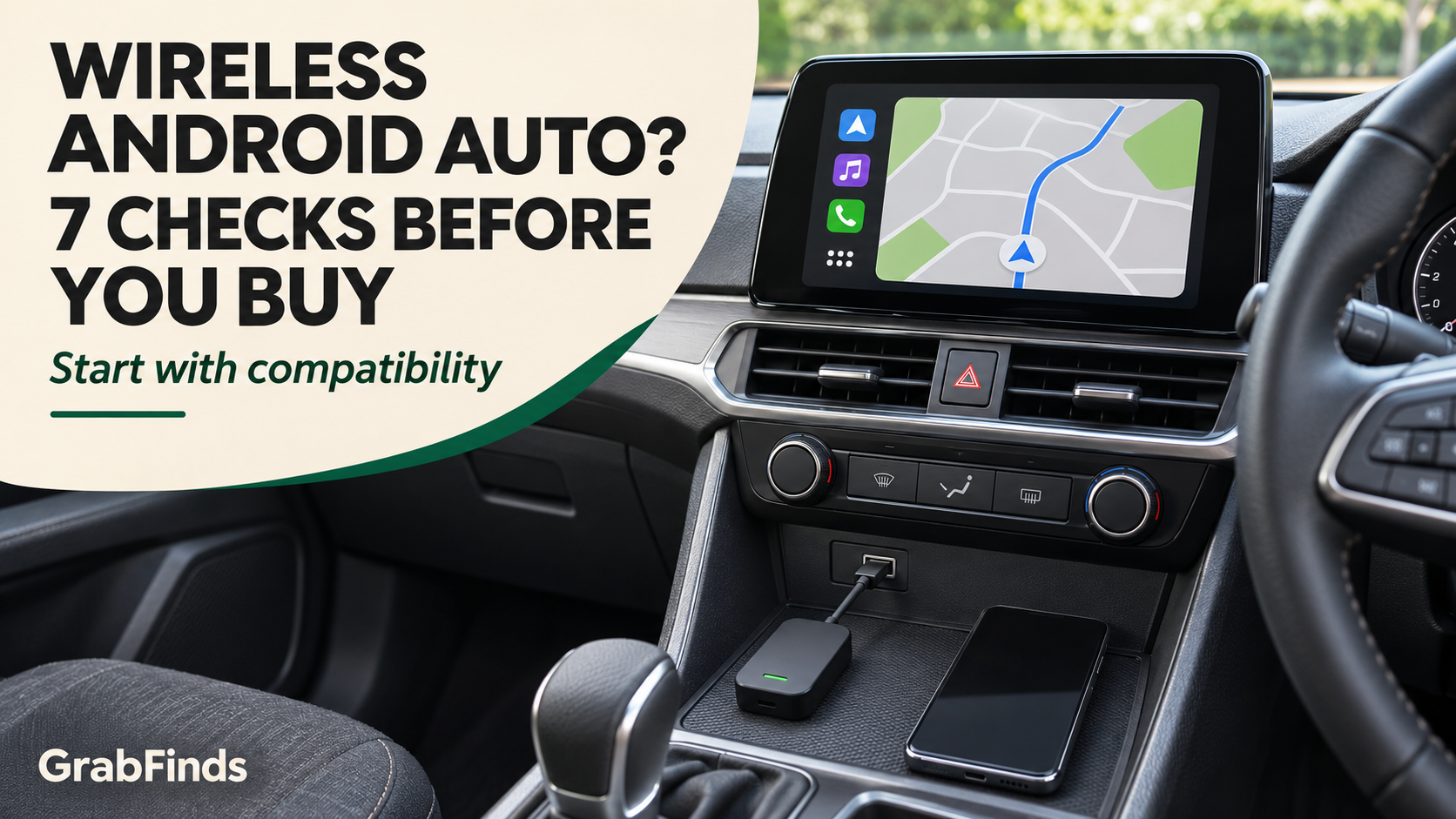
Ad — affiliate links: GrabFinds may earn commission if you buy through the Ottocast links in this article. This is a practical guide based on research, not a hands-on product test or a claim of verified earnings.
1. Check whether your car already has wireless Android Auto
If the setup you want is already supported by the car, an extra adapter may add nothing useful. Look at the vehicle or infotainment documentation and test the existing connection while parked. Bluetooth calling and music alone do not establish that a car has Android Auto. Identify the actual system before shopping.
2. Confirm the wired connection works
Many wireless adapters are intended to convert an existing compatible wired connection. They are not a universal way to add Android Auto to an unsupported screen. Confirm the prerequisites for the exact adapter and the vehicle’s actual head unit, especially if the unit was fitted later. If your normal wired setup is unreliable, investigate that fault first rather than assuming a wireless product will fix it.
3. Match the phone to the exact product
Check the current phone, operating-system and vehicle requirements on the manufacturer’s page. An adapter intended for one system is not automatically suitable for another. Product names that look similar may describe different functions. Ottocast sells several adapters; this guide is not a declaration that every model works with your car or phone. Ask the manufacturer about your precise setup if the answer is unclear.
4. Check the data port and physical space
Identify the port the car uses for the supported wired connection, rather than choosing a charging-only socket. Compare the connector and available clearance with the adapter and any supplied lead. Think about whether it would obstruct a cover, storage area or another connection. Follow the product instructions rather than improvising an installation that strains the port.
5. Plan charging and shared-car use
Wireless convenience does not mean the phone never needs power. Think about your existing charging routine and where the phone sits during a long shift. If two people use the car, check how the exact product selects or changes phones. Do not assume a reconnection or switching claim from another model applies to the one in your basket.
6. Read the full cost and support arrangements
Check the delivered total, currency, shipping region, current return terms and support route. Avoid deciding from a countdown or a discount percentage alone. Keep the order details and compatibility information. This is a researched checklist, not a hands-on Ottocast review, and we are not claiming measured connection speed, call quality or reliability.
7. Set up and assess it while parked
Follow the manufacturer’s setup instructions in a safe parked location before relying on it for a work shift. Check the functions you normally need, such as navigation audio and calls, without interacting with the setup while driving. If it is unreliable, use an appropriate alternative and seek support. A wireless adapter is a convenience purchase; it does not guarantee more delivery jobs, higher earnings or compatibility with every app.
Explore Ottocast and check current details (affiliate link)
Reference: an Ottocast product page showing model-specific requirements. Product and programme information checked 14 November 2026; confirm current price, features and applicable terms before buying. Read our affiliate disclosure.
Support Independent Side Hustle Testing
Enjoying our free guides and real-world experiments? Your voluntary support helps us test more ideas and share the results.
☕ Support GrabFinds on Ko-fiCompletely optional. Free membership remains free.
Comments
Log in or join GrabFinds to leave a comment.