
Wireless CarPlay for Delivery Drivers: Useful Upgrade or Wasted Money?
Thinking about a wireless CarPlay or Android Auto adapter for delivery work? Check compatibility, charging and the real cost before buying another car gadget.
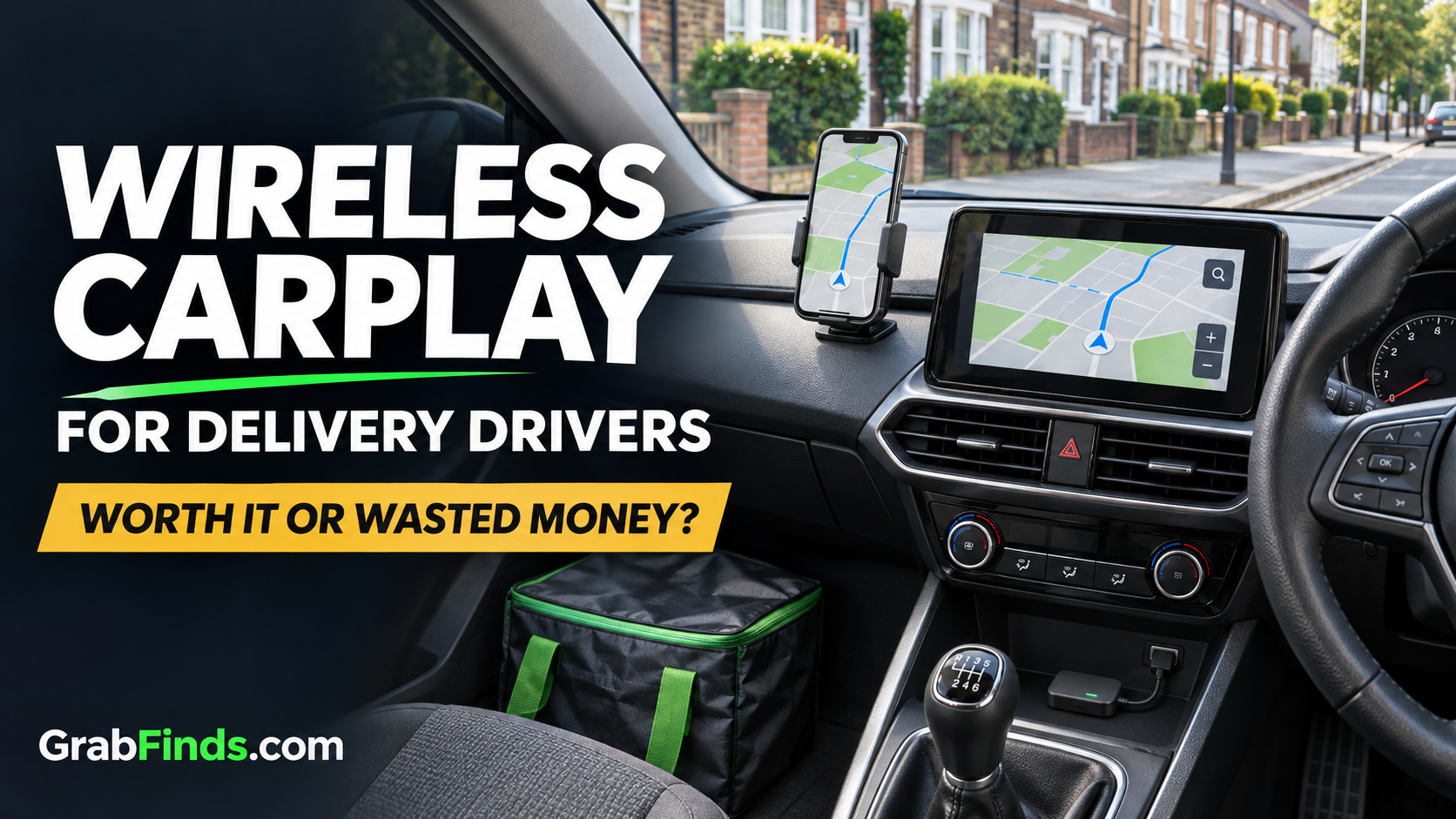
Ad disclosure: This article contains affiliate links to Ottocast. GrabFinds may earn a commission if you buy through these links. This is a buying guide based on the manufacturer's published information, not a hands-on product review.
If you drive for food deliveries, you already have enough costs to track. Another car gadget needs a clear reason to earn a place in your budget. A wireless CarPlay or Android Auto adapter might make your routine more convenient, but it will not turn a weak delivery offer into a profitable one.
Before buying, work out what problem you want to fix. Is plugging in your phone genuinely frustrating, or is your current setup already doing the job?
What does a wireless adapter actually do?
A compatible adapter can turn an existing wired CarPlay or Android Auto connection into a wireless connection. It does not automatically add those systems to a car that lacks them. Your phone, vehicle, infotainment system and the exact adapter all need to work together.
The Ottocast Mini wireless CarPlay and Android Auto adapter (affiliate link) is one option to compare. Ottocast's product page describes a USB data-port connection and lists vehicle and phone requirements. Read those requirements for your exact setup before ordering.
Check these five things before spending
- Your existing connection. With the car parked, connect your phone using the appropriate USB data cable. Confirm which system already works on the car screen.
- The exact model. Do not assume that every product from one brand supports the same cars, head units or phones. Ask the manufacturer if your setup is unclear.
- Your delivery apps. A navigation app appearing on the car screen does not mean your delivery platform's order screen will appear there too. Check the apps you actually use.
- Charging. A wireless connection is not the same thing as wireless charging. Plan how you will keep your phone powered during a shift.
- The total UK cost. Check the checkout currency, delivery charge, any applicable taxes, expected delivery time and return arrangements. Compare the final amount, not just a headline discount.
When it might be worth considering
An adapter is worth comparing if your car already has a compatible wired system and connecting the cable repeatedly is a real inconvenience. It may also appeal if you want a simpler connection routine when getting back into the car.
That is a convenience purchase. Judge it on how much that convenience matters to you, your available budget and the return policy. GrabFinds has not measured this product's connection speed, reliability or performance during delivery shifts.
When to keep your money
Keep using your current setup if it works reliably and the cable does not bother you. If your car already has suitable wireless connectivity, another adapter may be unnecessary. If your phone is running out of charge, address the charging problem first.
Starting delivery work is not a reason to buy every accessory advertised to drivers. A clear view of your actual expenses is more useful than a dashboard full of upgrades.
Put the cost beside your delivery profit
Here is a made-up budgeting example, not a product price or earnings promise. If an optional accessory costs £60 and a shift leaves you £30 after your recorded costs, the purchase uses the equivalent of two such shifts' profit. It does not pay for itself merely because you use it while working.
Use the GrabFinds Delivery Profit Calculator to estimate your own result. Include waiting time, unpaid miles and the costs relevant to your work. Treat the figure as an estimate rather than guaranteed take-home pay.
Compare first, buy only if it solves your problem
You can browse Ottocast's current range (affiliate link) and compare the requirements of individual models. Do not pay extra for functions you will not use. Set up and test any device while safely parked before relying on it during a shift.
My buying rule is simple: identify the problem, check compatibility, compare the full cost and decide whether the convenience is worth your money. If the wired setup already does everything you need, keeping it is a sensible choice.
Manufacturer information checked on 12 November 2026. Specifications, availability and prices may change. See our affiliate disclosure.
Support Independent Side Hustle Testing
Enjoying our free guides and real-world experiments? Your voluntary support helps us test more ideas and share the results.
☕ Support GrabFinds on Ko-fiCompletely optional. Free membership remains free.
Comments
Log in or join GrabFinds to leave a comment.