
How to Start Making Roblox Games – UK Beginner Guide
Learn Roblox Studio, build a small original obstacle course and test a complete play loop before considering monetisation.
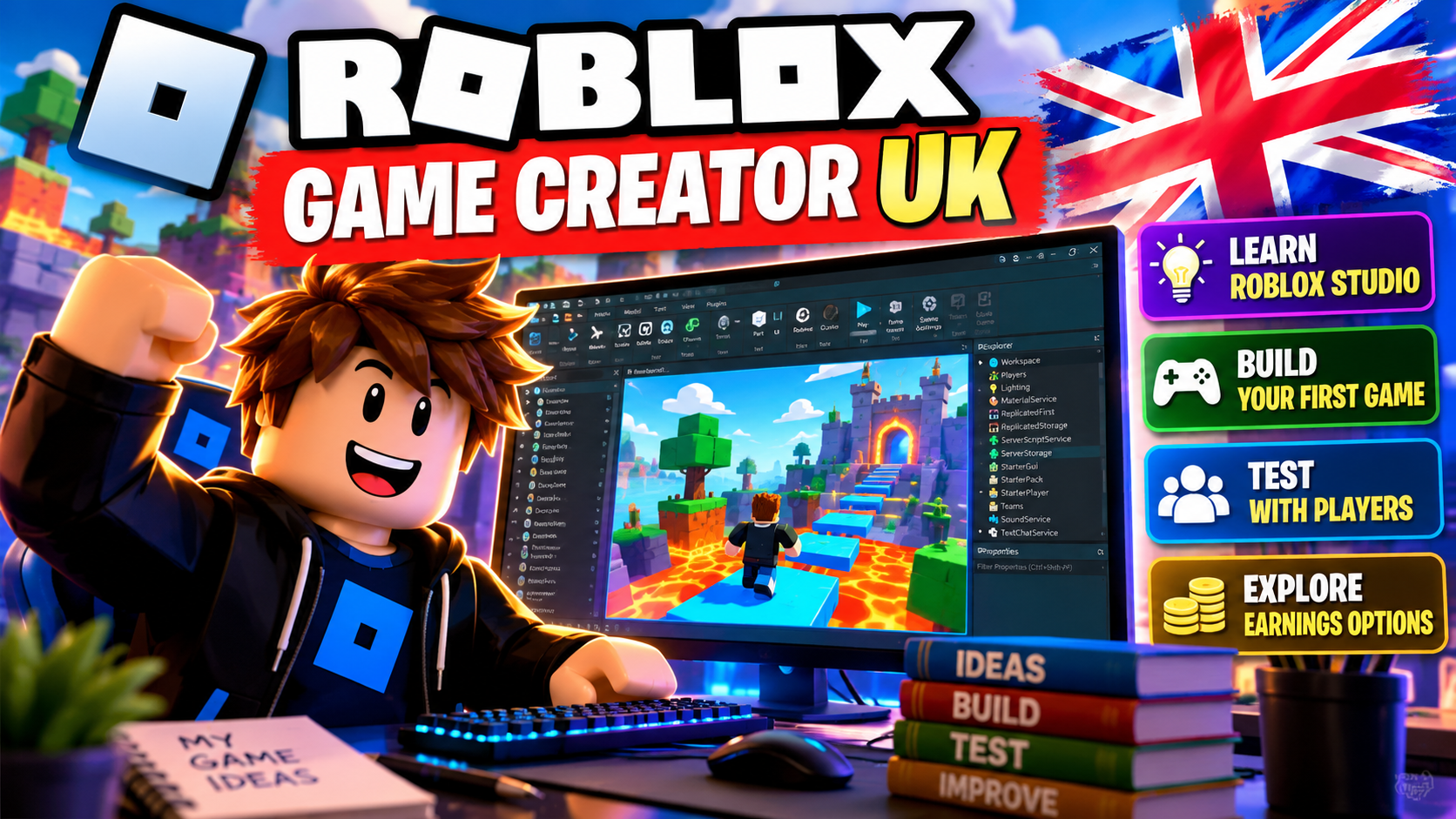
Your first Roblox project should teach you to finish a game, not promise a wage. Build a tiny original obstacle course with a clear start, a few challenges and a finish. Keep purchases and complicated saving systems out of the first version. This guide is independent of Roblox and is not a tested earnings case study.
1. Prepare a free learning setup
Install Studio only from Roblox's official setup page on a supported Windows or Mac computer. Check its current system requirements first. A phone that plays Roblox is not a substitute for the desktop development setup described here. Use your own eligible account and accurate details; never borrow credentials or buy a developer account.
Keep a zero-spend learning target if you already have the equipment and internet. That excludes hardware, electricity and any later release or audience costs. Do not buy Robux or paid plugins to make a basic private prototype. Secure your account and keep recovery information private.
2. Write a project brief before building
My player starts on a safe platform, completes five short obstacles, reaches a visible finish and can restart. I will use simple original parts. This version has no pets, trading, purchases, multiplayer competition or persistent inventory.
Continue reading with a free account
Join GrabFinds for free to continue reading this tutorial and access free member resources.
What's inside
- 1. Prepare a free learning setup
- 2. Write a project brief before building
Plus 600+ more words of practical detail
- Read the complete tutorial — no paywall
- Access free ebooks, tools and resources
- Save side hustles and track your progress
- Join community rooms and ask questions
100% Free. No card required. No Premium subscription needed.
Related side hustle
View the full side hustle guideWant to come back to this?
Save it to your free GrabFinds account and come back whenever you're ready.
Save this guideFree account · No card required
Comments
Log in or join GrabFinds to leave a comment.